Build it right.
Track every cost.
The all-in-one construction project and cost management platform. Track your budget across 36 categories, approve invoices, compare quotes, and keep every trade on schedule — whether you're building it yourself or running ten sites.
One platform. Three ways to build.
Whether you're hands-on, hands-off, or running the show, ConstructionPro.io adapts to how you build.

Take control of your dream home
Manage every penny and every trade with confidence. You hold the budget, the schedule, and the decisions — we keep it all in one place.
- 36 cost categories, pre-loaded
- AI grant finder & funding matching
- Family sharing (read-only)
- From $12.99 / £9.99/mo · 90-day free trial
Stay informed while they build
Real-time updates, invoice approvals, and transparent communication. Your contractor runs the build — you keep full visibility, no chasing.
- Invite your contractor
- Invoice & variation approval
- Quality & snagging sign-off
- From $16.99/mo · 2 seats included


Deliver excellence to every client
Run multiple projects from one dashboard, impress clients with live transparency, and scale your business with professional-grade tooling.
- Multi-project dashboard + packs of 5
- Client directory & reports
- Supplier directory + ratings
- From $69.99/mo · 3 seats included
Made for US, UK & EU projects
USD, GBP and EUR from the first click. We may recommend a market from the site address — you confirm. ConstructionPro.io never silently changes the account market.
United States
US cost templates and practices for residential and light commercial.
United Kingdom
Self-build VAT, grants, and UK construction categories ready to go.
European Union
EUR projects with the same 36-line discipline across member states.
Your project data, locked down
One-time passcode sign-in, new-device alerts, role-based access, and GDPR-minded controls — so the right people see money, and everyone else still sees progress.
See how we protect your data →One-time passcode sign-in
A code to your email every login — not a password alone.
New-device alerts
Know when a new browser signs into your account.
Role-based access
Viewers never see figures they shouldn’t.
GDPR & EU data
Built for UK and EU data-protection expectations.
Features that pay for themselves
Find the funding you didn't know you had
AI matches grants and VAT schemes to your build brief, then drops them into funding with a spend-by deadline.
Explore the grant finder →Catch overspend before it's a problem
Track costs across 36 categories with live spent-vs-remaining figures and instant alerts the moment a trade runs hot.
Know exactly what you're paying for
Every invoice is tied to a budget line, split across categories, with files attached.
Stop overpaying for trades
Collect bids side by side and award on best value — not just the lowest number.
Keep every trade in the right order
A Gantt-style timeline sequences the build so plasterers never arrive before first fix.
Your best trades, always to hand
A rated directory of suppliers and contractors you reuse across every job.
Everyone in the loop, nothing overshared
Role-based access so family, clients and trades see exactly what they should.
Run every job without dropping a ball
Multi-project dashboard with budgets, status and action items across the portfolio.
Live in minutes, in control for the whole build
Create & budget
Set up your project and load a budget from 36 ready-made categories.
Compare quotes
Invite contractors and suppliers, then compare quotes side by side.
Track spend
Approve invoices and assign tasks while spend updates live.
Stay on course
Forecast cash flow, log variations, and get overspend alerts.
Snag & deliver
Work through snagging lists and share a clean final report.
Skip the tour — a one-hour sandbox, card-free, not a trial.
Try a sandboxThe whole build, in one place
Cycle through live product screens — dashboard, costs, invoices, cash flow, timeline and payment.
Use arrows or thumbnails to cycle · crisp vector UI (not compressed screenshots)
Screenshots go stale. A sandbox does not.
Twenty-five tools. One subscription that grows with the build.
Each plan builds on the one before it. Self-builders get everything to run their own project; Contractor-Led adds collaboration when a builder joins; Pro unlocks professional scale.
Budget & money8 tools · In every plan
On site6 tools · In every plan
AI & search2 tools · In every plan
Collaboration8 tools · Contractor-Led & Pro
Professional scale3 tools · Pro only
Cumulative — each plan includes everything in the plan to its left. Compare full pricing below.
An assistant that knows your build
AI is woven through ConstructionPro.io — not bolted on as a chatbot. It files your paperwork, watches your budget, and reminds you what to order, right where you already work. Every suggestion is marked with an AI tag and explains itself in plain English.
Auto-filed paperwork
Snap a receipt or upload an invoice and AI tags it to the right cost line.
Order-by reminders
AI reads your timeline and lead times so materials arrive on time.
Cost & cash-flow insight
Flags the squeeze before it bites — in plain English.
Explains every call
Each suggestion shows why — you stay in control.
How ConstructionPro.io compares
Cost trackers like LiveCosts, and contractor platforms like Buildertrend and Procore, are built for the trade and priced for it. ConstructionPro.io gives self-builders and pros the whole project — from $12.99 / £9.99 a month.
A plan for every kind of build
Pick the plan that fits how you build. Every plan starts with a 90-day free trial — card required, cancel anytime before it ends — and prices show in USD, GBP, or EUR.
Self-Build
For homeowners managing their own single build.
$12.99/mo
$139.99/yr billed annually · saves 10%
- 1 active project
- AI grant finder & funding matching
- Budget tracking across 36 categories
- Invoices, quotes & expenses
- Timeline, tasks & snagging
- Family sharing (read-only)
- Multi-currency & data export
Most popular
Contractor-Led
For homeowners working with a contractor.
$21.99/mo
$237.99/yr billed annually · saves 10%
- Everything in Self-Build, plus:
- Invite your contractor to collaborate
- Invoice & variation approval
- Quality & snagging sign-off
- Shared role-based access
- Priority email support
Professional
For pros managing multiple client projects.
$88.99/mo
$960.99/yr billed annually · saves 10%
- Everything in Contractor-Led, plus:
- 5 active projects included, then packs of 5
- Client portals (branded, live access)
- Professional branded reports
- Full supplier directory + ratings
- Cross-project dashboard & team seats
Switch to annual billing to save 10% on any plan. Full pricing details →
Frequently asked questions
What is ConstructionPro.io?
ConstructionPro.io is an all-in-one construction project management platform for budgeting, invoicing, quote comparison, scheduling, and collaboration. It is used by self-build homeowners, homeowners working with a contractor, and construction professionals across the US, UK, and EU.
Who is ConstructionPro.io for?
Three groups: self-build homeowners managing their own project, homeowners working with a contractor who want full visibility, and construction professionals managing multiple client projects.
How much does ConstructionPro.io cost?
Three published plans in USD, GBP and EUR: Self-Build for a single project, Contractor-Led to collaborate with your builder on one home, and Professional for a portfolio. Professional includes five active projects; add packs of five when you outgrow that. Every plan starts with a 90-day free trial (card required, no charge until it ends), with 10% off annual billing. Switch currency on the Pricing page — those figures match checkout.
Which plan is right for me?
Self-Build is for homeowners managing their own single project. Contractor-Led adds the ability to invite your contractor, approve invoices and variations, and sign off snagging — still one project. Professional is for construction professionals: five active projects included, client portals, branded reports, the full supplier directory, and team seats. Extra projects come as packs of five, not as a free unlimited pool. Every plan includes a 90-day free trial.
Is there a free trial?
Yes. Every plan includes a 90-day free trial. A card is required; you are not charged until the trial ends. Cancel anytime before then.
Do I need separate accounting software like Xero or QuickBooks?
No. ConstructionPro.io works on its own — budgeting, invoicing and reporting are built in. We do not sync to Xero or QuickBooks. Export a costs CSV if your accountant wants a file.
How does budget tracking work?
Load a budget from 36 ready-made construction categories, then log invoices, labour and expenses against each line. Spent and remaining amounts update in real time, with alerts when a category goes over budget. Approved variations raise the category budget so remaining stays honest.
How does invoice processing work?
Upload an invoice, split lines across budget categories, record net and VAT when the bill shows them, and approve. Remaining on each line updates immediately. ConstructionPro warns if a similar bill — or a matching cost — is already on the project.
Can I compare quotes from contractors and suppliers?
Yes. Collect bids side by side. ConstructionPro highlights the lowest complete bid as best value and flags a wide spread so you check exclusions before you award.
Can I manage multiple projects at once?
Yes — on Professional. That plan includes five active projects and a cross-project dashboard. Need more? Add packs of five. Self-Build and Contractor-Led focus on one project at a time.
Can self-build homeowners use it without a contractor?
Absolutely. Self-builders use ConstructionPro.io to control their own budget, manage trades, track expenses, and share progress with family — no contractor required.
Which currencies and regions does it support?
USD, GBP and EUR for billing and project budgets, with templates for the United States, United Kingdom and European Union. We may recommend a market from the site address or your location. You confirm. We never silently change the account market. Unknown regions default to US, then you pick.
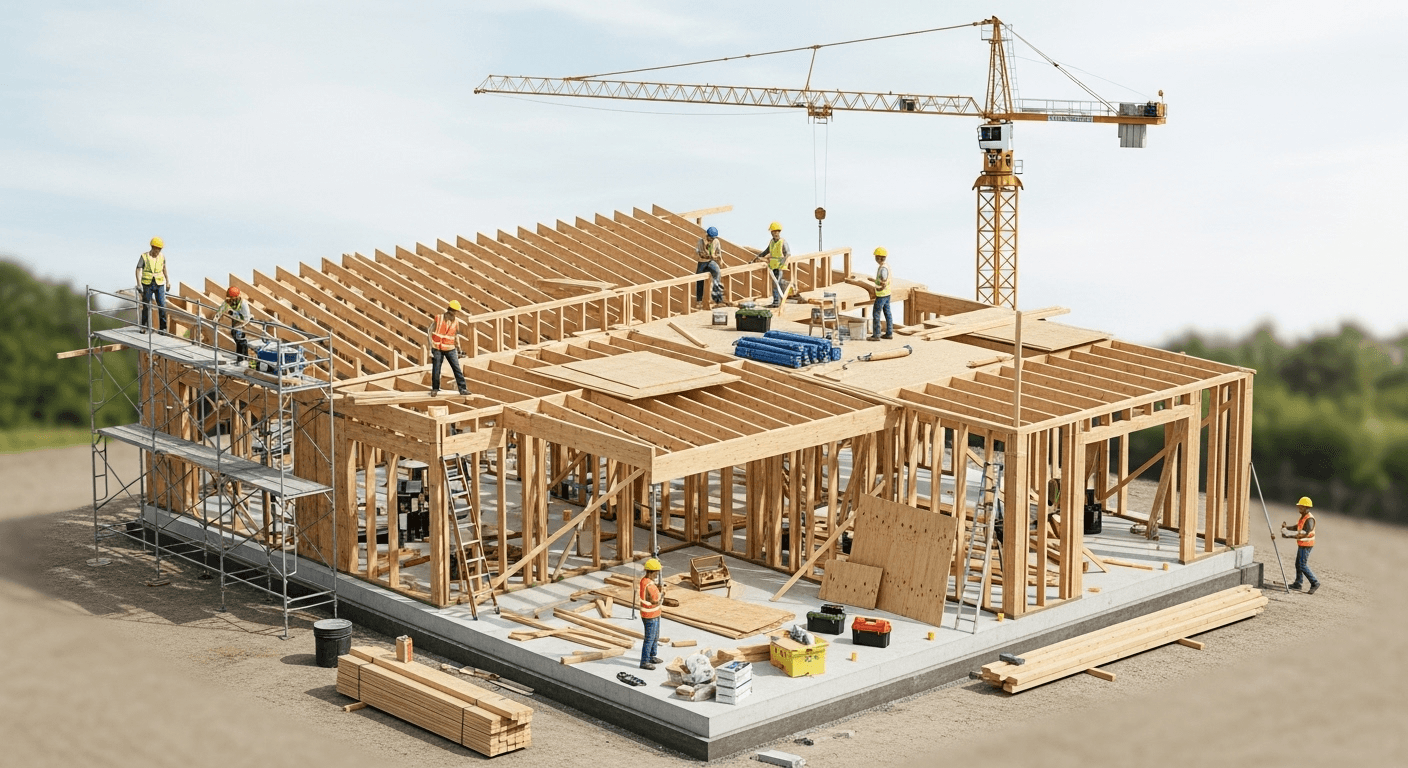
Your next build, on budget and on time
Join self-builders, homeowners, and construction pros who run their projects with ConstructionPro.io.